Understand the offer
See what the proposed fee means per estimated hour of work.


VALUE YOUR TIME. EXPLAIN YOUR FEE.
Negotiate with confidence.
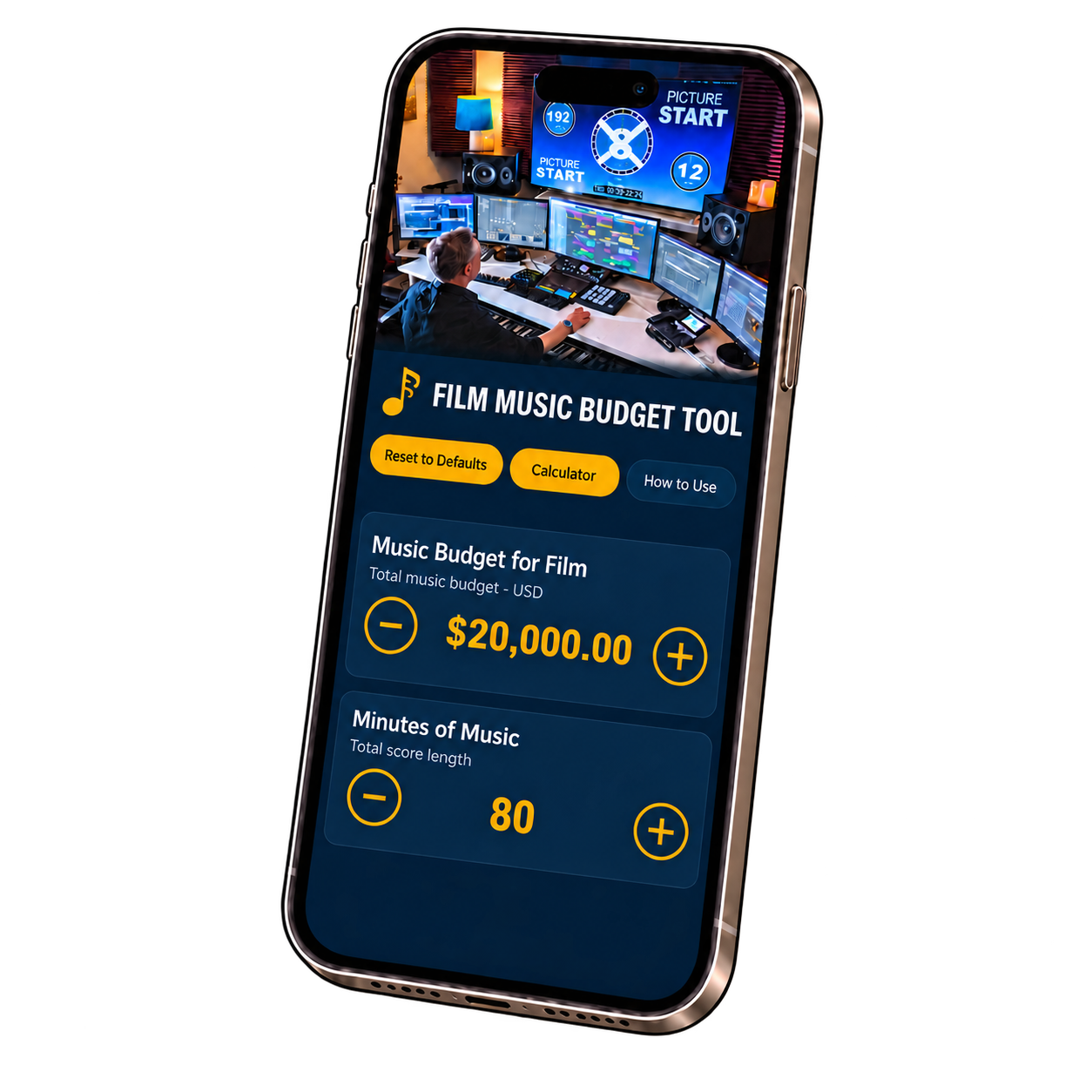
Film Music Budget Tool is for professional and emerging film composers, freelance music creators and film scoring students preparing a quote or evaluating an offer from a director or producer. Understand the time behind your score, compare the offer with your chosen rate and present a clear, professional breakdown before agreeing to a fee.

See what the proposed fee means per estimated hour of work.
Bring a clear breakdown to your conversation with a director or producer.
Enter four values. Adjust your estimates and see the calculations update immediately.
An offered fee tells you the budget, but not the hours involved. See what that offer means per estimated hour before you commit.
Compare the offer with your chosen hourly rate, spot potential undercharging, and bring concrete numbers to a conversation about the fee or scope.
Change any of the four inputs and see the results immediately—in a meeting, on a call, or while preparing a quote.
Enter the offered music budget, the minutes of finished music required, your chosen hourly rate and the minutes of finished music you expect to score each day.
Using a fixed 10-hour workday, see your estimated working days, total hours, day rate and total service fee. Amounts are displayed in US dollars.
See what the offered music budget represents for each hour of your estimated work. Compare that figure with the hourly value you place on your time.
Compare the offered budget with your estimated fee. A negative balance appears in red when your fee exceeds the budget.
The built-in guide explains how to evaluate a project and fill out each field. Your current entries save automatically on your device. No account is required.
A fee can sound substantial until you divide it by the hours the project requires. See when an offer falls below the hourly value you place on your work, so you can reconsider the fee, scope or schedule before committing. Recognizing that gap can help you avoid undercharging and protect what you earn.
Show the reasoning behind your fee: the minutes of finished music, working days, total hours and value of your time. A clear breakdown demonstrates preparation and attention to detail, giving the director or producer concrete figures to discuss.
On the phone, over coffee or while preparing an email, adjust your estimates and see the results immediately. Prepare an informed response without rushing into a commitment or rebuilding the calculations yourself.
Everything is negotiable. Clarify whether the offer is your creative fee or a package deal, and agree on the services and expectations it includes. The app compares your estimates; it does not deduct production expenses or set the terms of your agreement.
Understand the numbers, follow a worked example and prepare your own estimate.
Read the user guide ↗For iPhone and iPad.